 PicGrid
Photo grid layouts
Photo grid layouts for 2 to 24 pictures
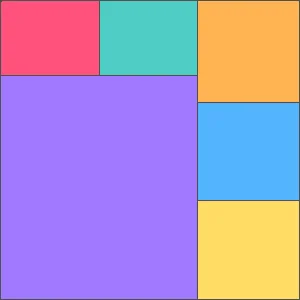
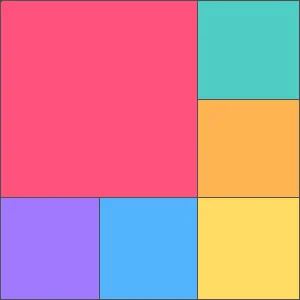
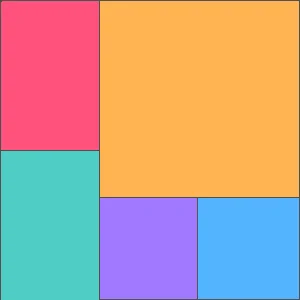
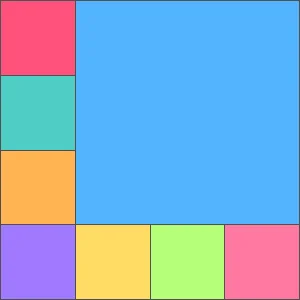
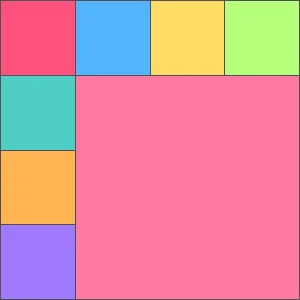
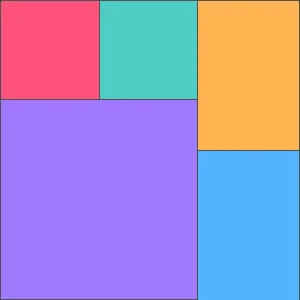
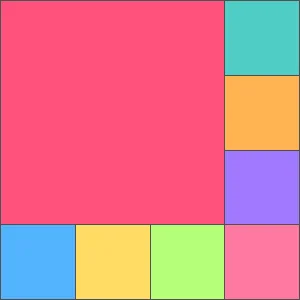
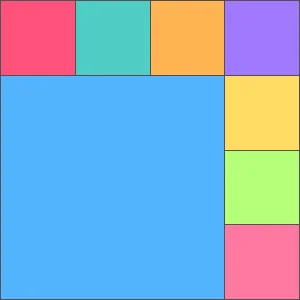
Pick the collage layout that fits your photos. These are some of the classic grids in Photo Collage Maker; the app has 400+ layouts, freestyle templates and a tool to draw your own.
2-photo collage layouts
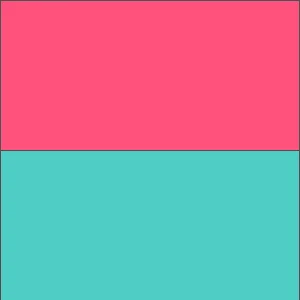
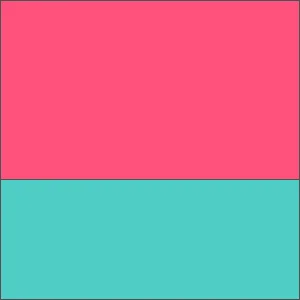
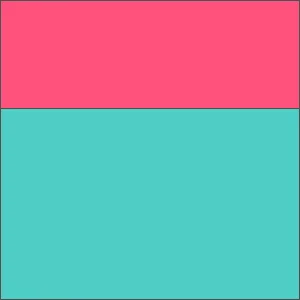
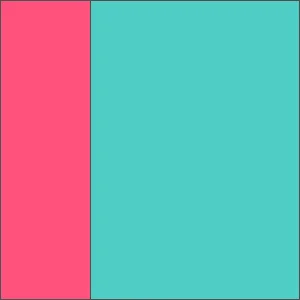
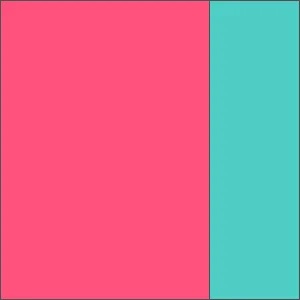
Side by side or one above the other: perfect for before and after, couples and comparisons.

3-photo collage layouts
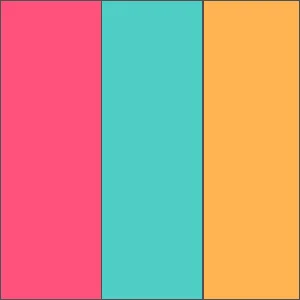
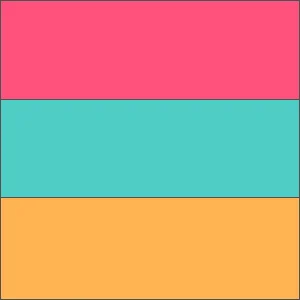
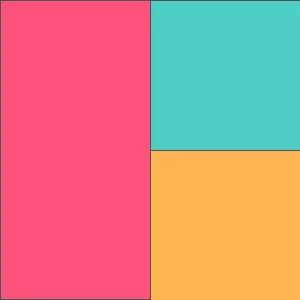
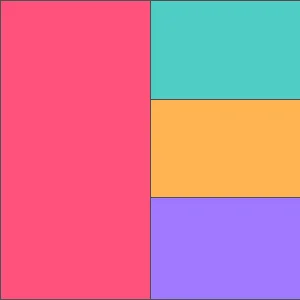
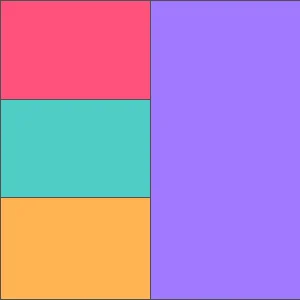
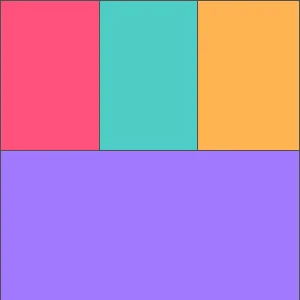
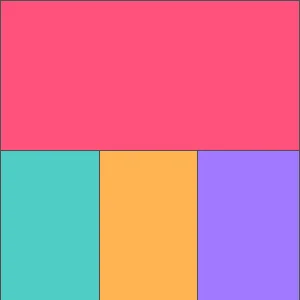
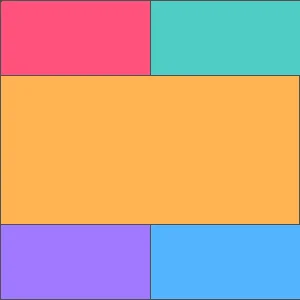
One big photo with two small ones, or three equal strips. Great for telling a short story.
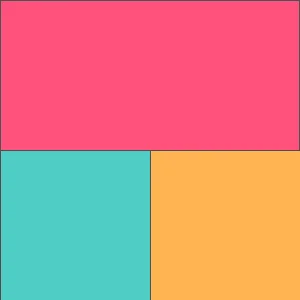
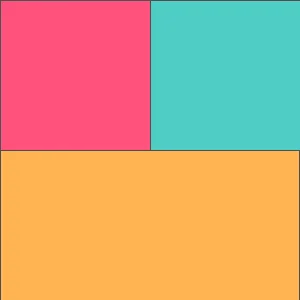
4-photo collage layouts
The classic four-square grid plus asymmetric versions. The most popular collage size.
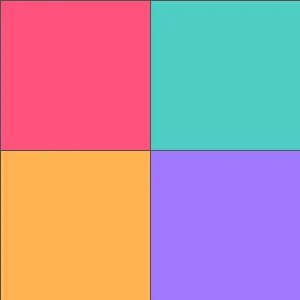
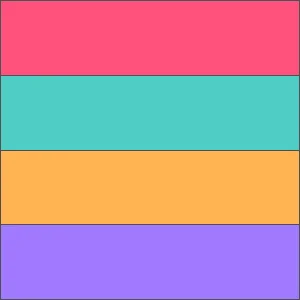
5-photo collage layouts
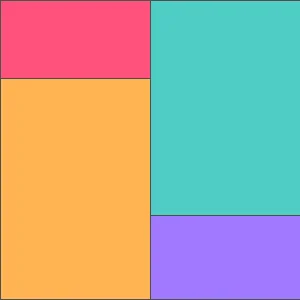
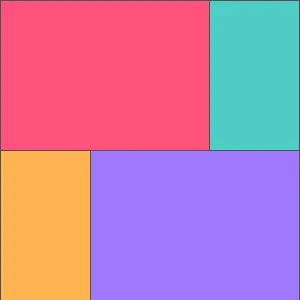
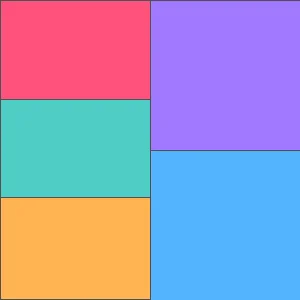
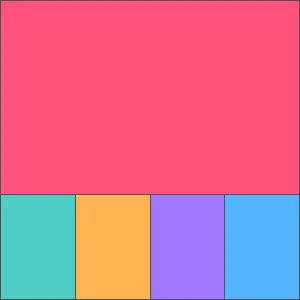
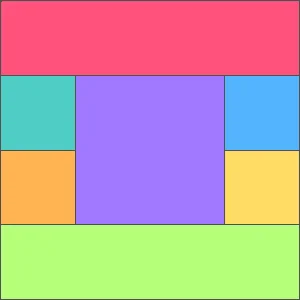
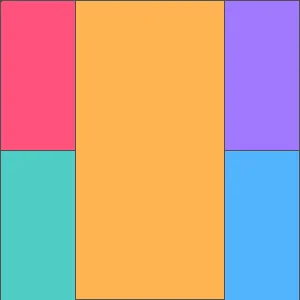
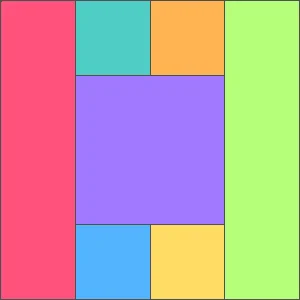
Five photos with a hero image in the middle or a mosaic of mixed sizes.
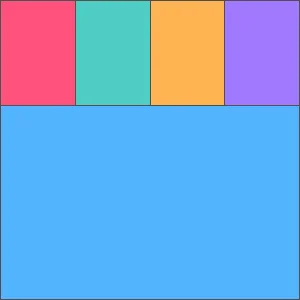
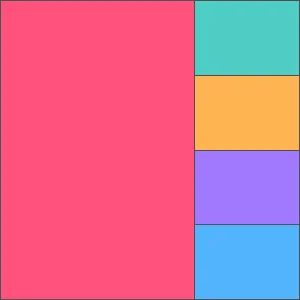
6-photo collage layouts
Two rows of three or three rows of two, ideal for trips and events.
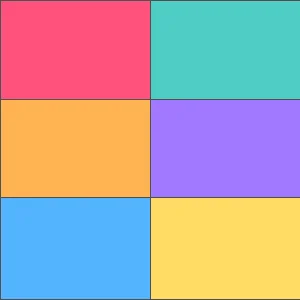
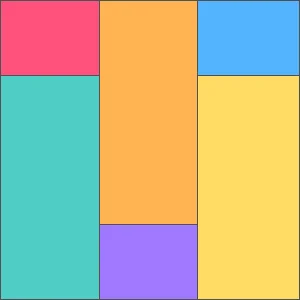
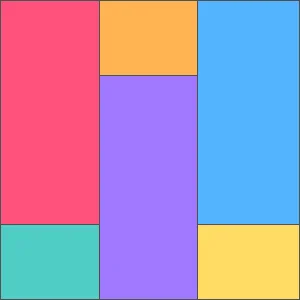
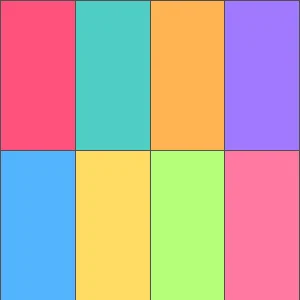
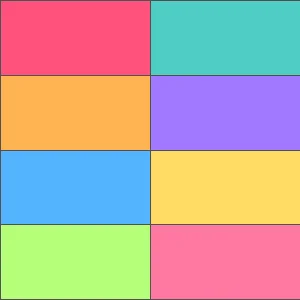
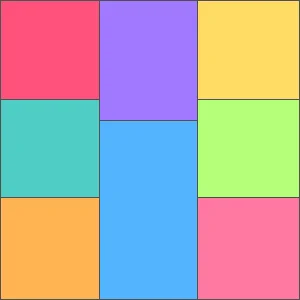
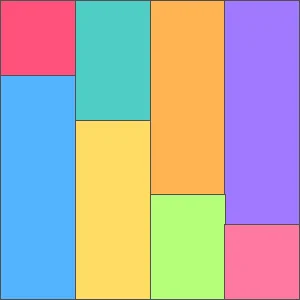
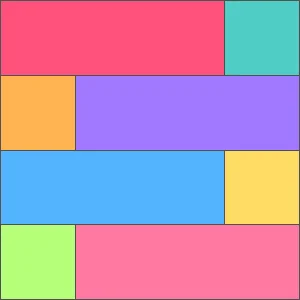
8-photo collage layouts
Eight-photo mosaics for birthdays, holidays and photo dumps.
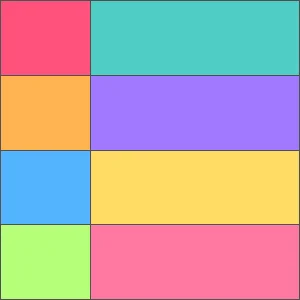
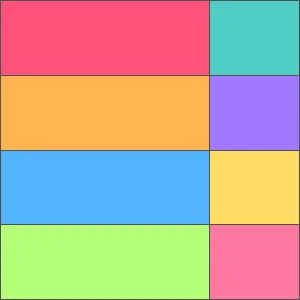
9-photo collage layouts
The 3×3 grid: a full year, a whole trip or an Instagram-style grid in one image.
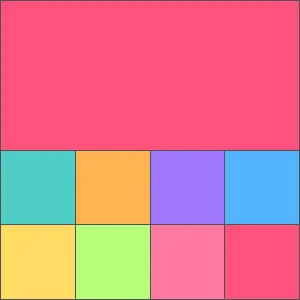
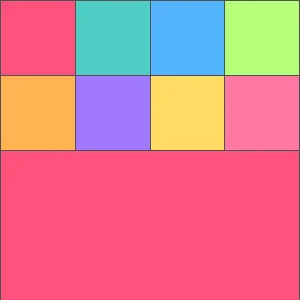
Collage layouts for 10 or more photos
Big mosaics for 10 to 24 photos, for yearly recaps and family memories.
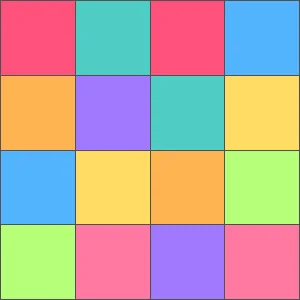
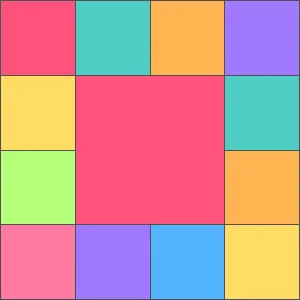
Layout questions
What is a photo grid?
A photo grid is a collage where your pictures sit in neat cells, like 2×2 or 3×3. Photo Collage Maker has 400+ grids and lets you drag the lines to resize any cell.
Can I resize the cells in a layout?
Yes. Drag the lines between photos to resize cells, and change the border width and corner radius.
What if no layout fits my photos?
Use Draw layout to split cells your own way, or pick a freestyle layout from the Stylish tab.
Use these layouts in the app
All layouts, plus draw-your-own, in Photo Collage Maker for iPhone and iPad.
Download on theApp Store